How to Install:
Make sure you have the latest version of the mod loader with "StageAPI" installed: https://gamebanana.com/mods/559777
Drop the contents of this .rar file into: "steamapps/common/DRAGON BALL Sparking! ZERO/SparkingZERO/Mods/StageAPI"
Launch the game and start any battle in Free Battle or Training Mode. This will create or update a file in the StageAPI folder called "CustomStageList.json".
How to Use the Tool:
Reordering Slots:
Simply drag and drop the slots to rearrange them. Your changes will be saved automatically. You can use the checkboxes on the left of each stage to bulk-move multiple slots at once. If you want to move slots from the bottom to the top, you can put them in the temporary tray to navigate faster.
Reordering Variants:
You can select a variant by using the arrows next to the map name in the list on the left. To change its order, use the arrows in the bottom-right box labeled "Variant Order". Note that the first variant must always be the BASE STAGE, otherwise the order shown in the tool may not properly reflect the in-game order.
Merge Slots:
You can merge different stages into the same slot as variants. Simply drag one slot over another and drop it when it says "Group as Variants". This will automatically update the BASE STAGE for you.
Split Slots:
You can split stage variants into their own slots. If you select a variant from the list on the left, you will see a "Detach" button on the right. This will automatically update the BASE STAGE for you.
Adding New Slots:
New stages will be added automatically after you install them and start a battle in any mode.
Adding an Image to a Slot:
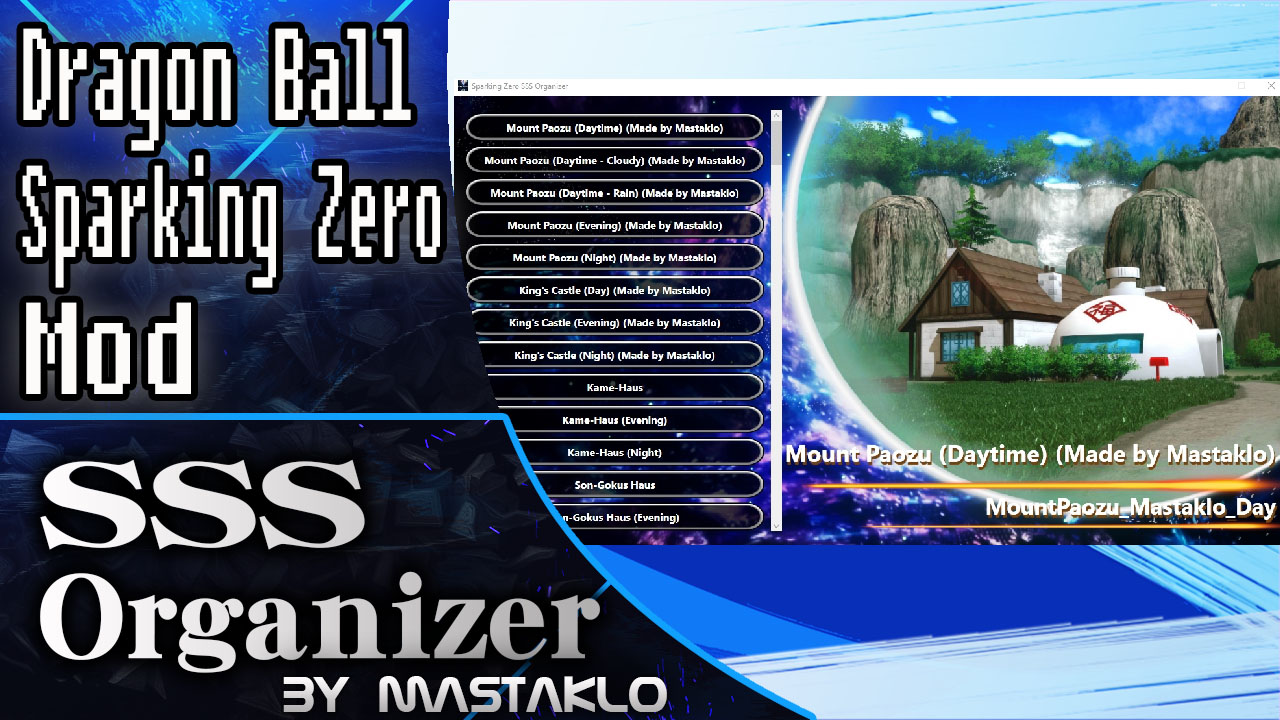
To assign an image to a slot, save an image file and name it using the same ID as the slot, then place it in the "images" folder. The image is only used for visualization in the tool and has no effect in-game. You can find the map ID in the bottom-right corner of the tool, underneath the stage name.
Editing the BASE STAGE:
Right-click a slot to open the BASE STAGE editor. Here, you can enter your BASE STAGE key. 99% of the time, you won't need to edit this. Only use it if you know what you are doing.
Set Stage Destruction Transition:
This tool also supports editing the JSON file of the Destructible Stages mod:
https://gamebanana.com/mods/712341
This makes it much easier to add or edit stage destruction transitions for any stage without having to dig through a huge JSON file.
If you have the Destructible Stages mod installed, you will see a new button to the right of each stage button labeled "SET DESTRUCTION TARGET".
There, you can select the target stage that will appear after the destruction sequence is triggered.
Notes:
I did not create StageAPI. This tool is only a GUI for editing the .json file.
1.2
Added Support for the Destructible Stages Mod. https://gamebanana.com/mods/712341
1.1
GUI Overhaul.
Added checkboxes for bulk-moving slots.
Added a temporary tray for easier slot movement over long distances.
Added support for the new StageAPI reorder function introduced with the NEO DLC.
Added an option to reorder variants.
Added an option to merge stages into variants.
Added an option to split variants into independent slots.
1.0
Initial Release
Download Info